Accurate content recognitionUnderstand text, images, and layout
AI screenshot to editable UI design
intoan editable design
UISeek turns website, app, and dashboard screenshots into editable UI designs. AI recognizes text, images, buttons, and layout, then creates structured layers you can keep editing.
Recognize page content automaticallyCreate editable components layer by layerEdit online and export
PNG · JPG · WebP supportedNo manual tracing
Structured layers, automaticallyGenerate clean layers with AI
Editable and exportableAdjust freely and export in multiple formats
Privacy and security firstUploads handled under our privacy policy
A faster design workflowTurn a full day of UI rebuilding
Manual rebuilding480 minutes UISeek draftAbout 2 minutes
Turn a full day of UI rebuilding
into minutes
Rebuilding a UI from a reference screenshot used to take designers a full day. Now upload a screenshot and get a structured, editable draft in minutes.
About one workday
Keep editing right away
Estimate for a typical projectApproximate productivity gain 96×Save about 99% of production time and focus on the design decisions that matter.
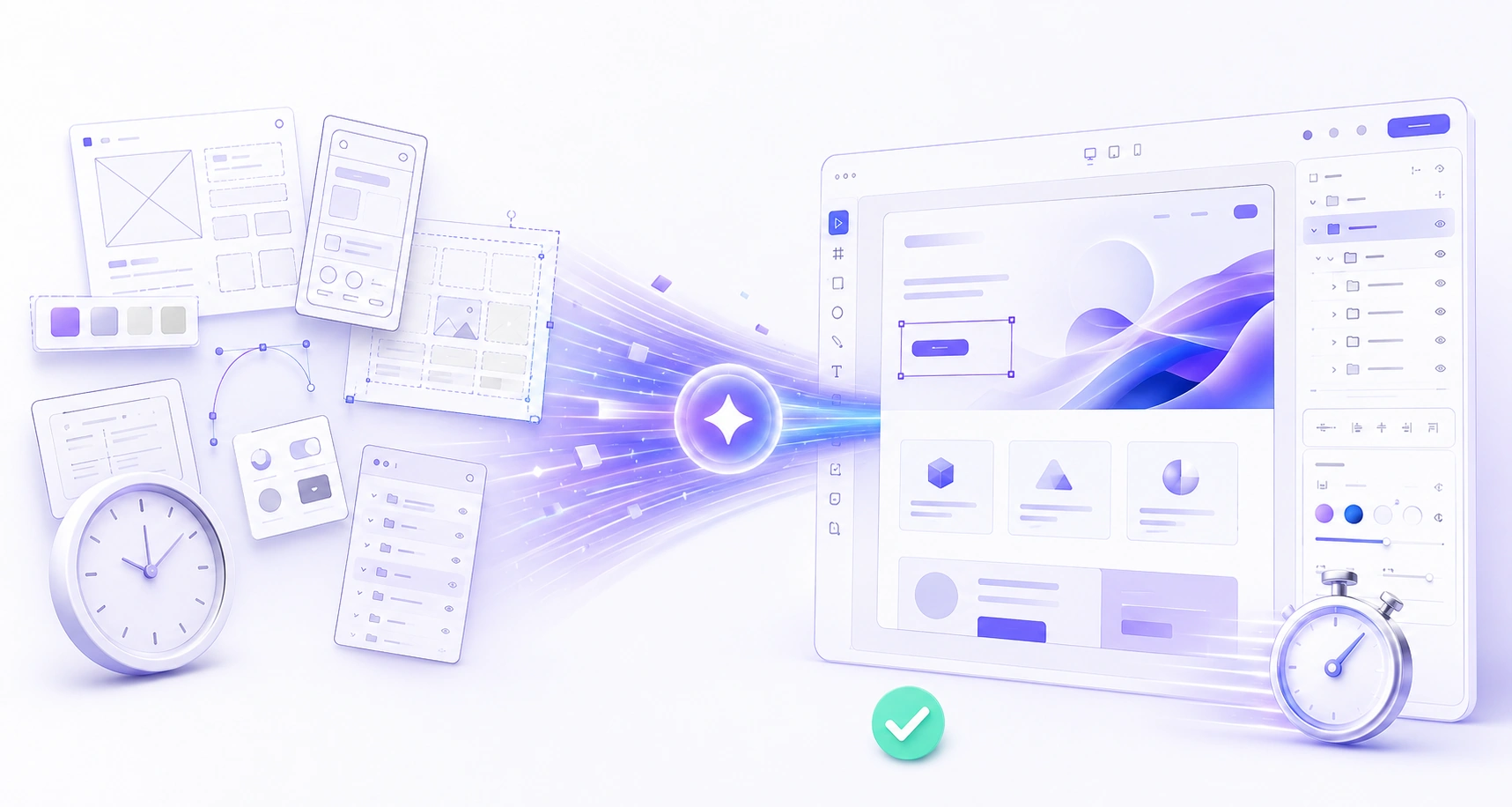 Manual work · 1 workdayUISeek · about 2 minutes
AI understands screenshots and creates editable UI layers
From content recognition to organized layers, build a structured starting point for editing and reuse.
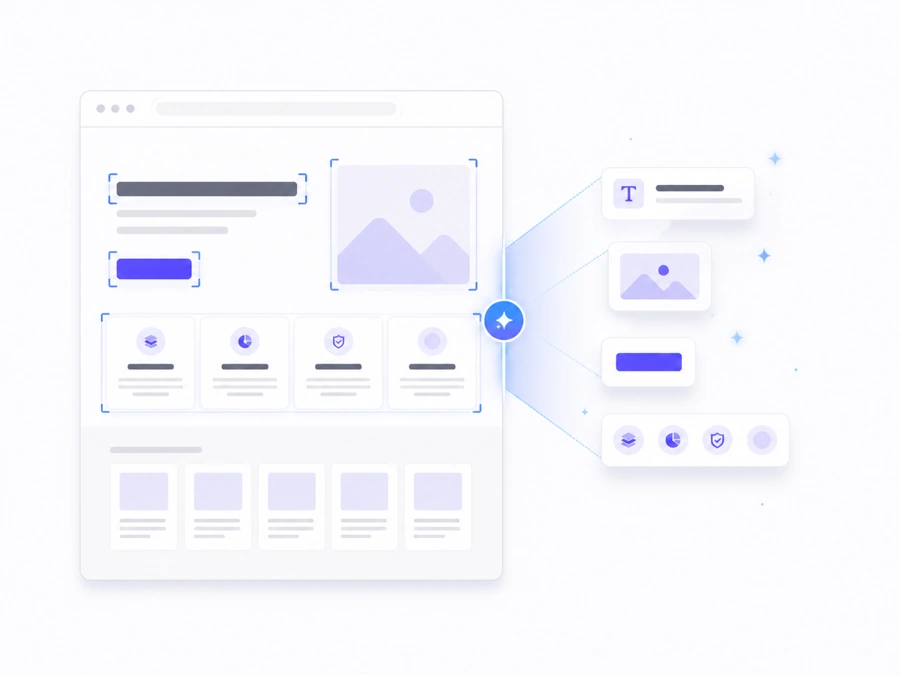
Understand page content
AI recognizes text, images, buttons, and other page elements.
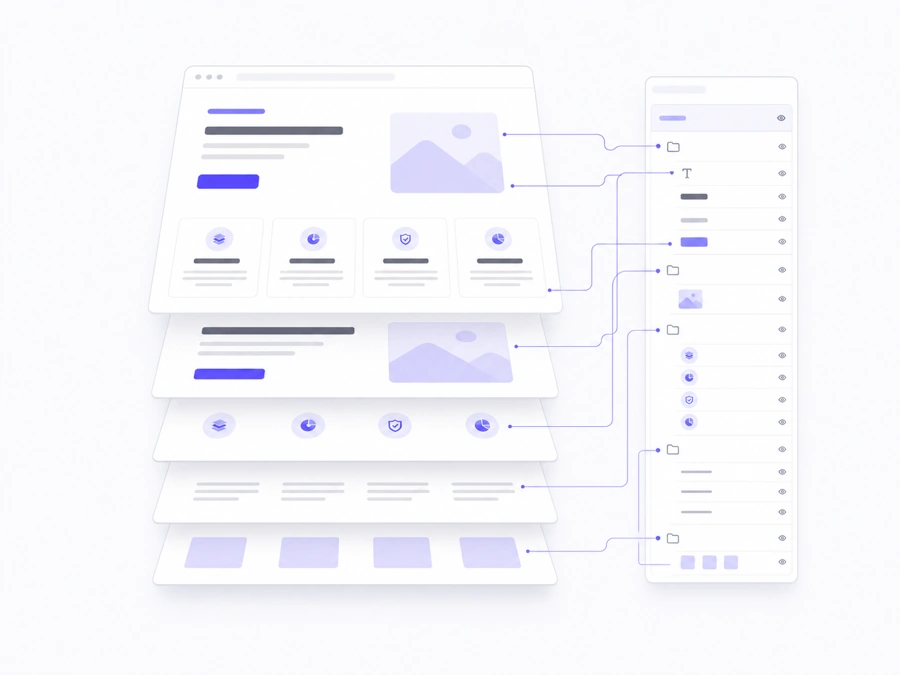
Organize layers automatically
Automatically separate elements into a clear layer hierarchy.
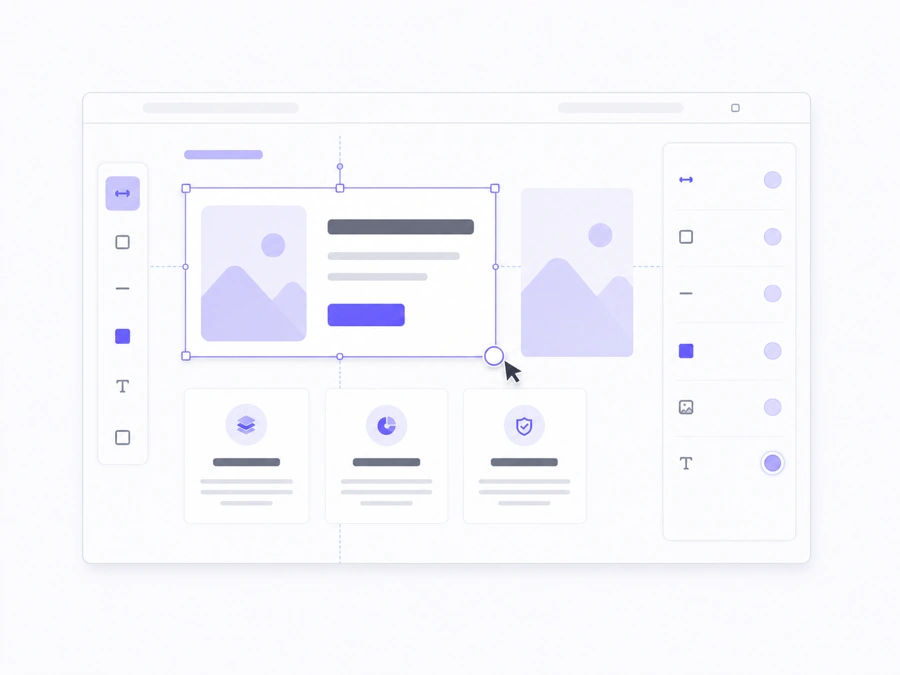
Edit freely
Edit online or export to continue designing and deliver your work.
From recognition to editing,all in one flow
1
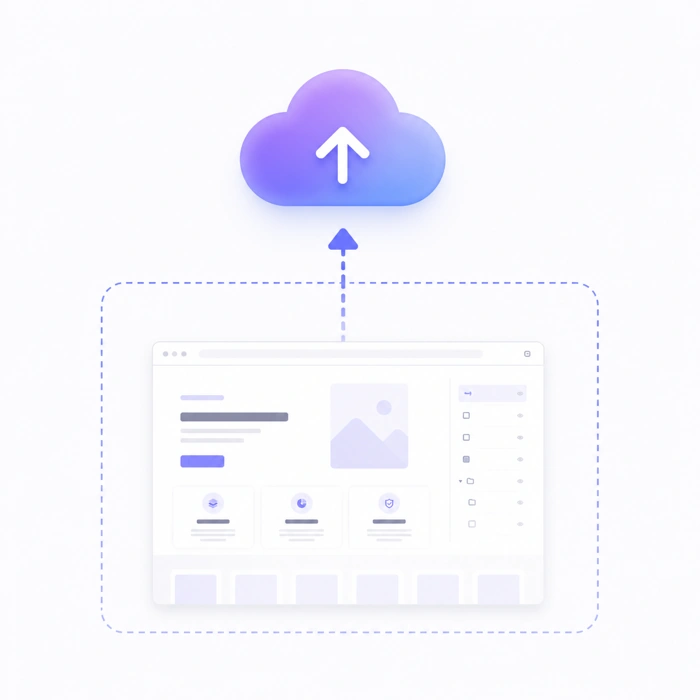
Upload screenshotSupports PNG / JPG / WebP
2
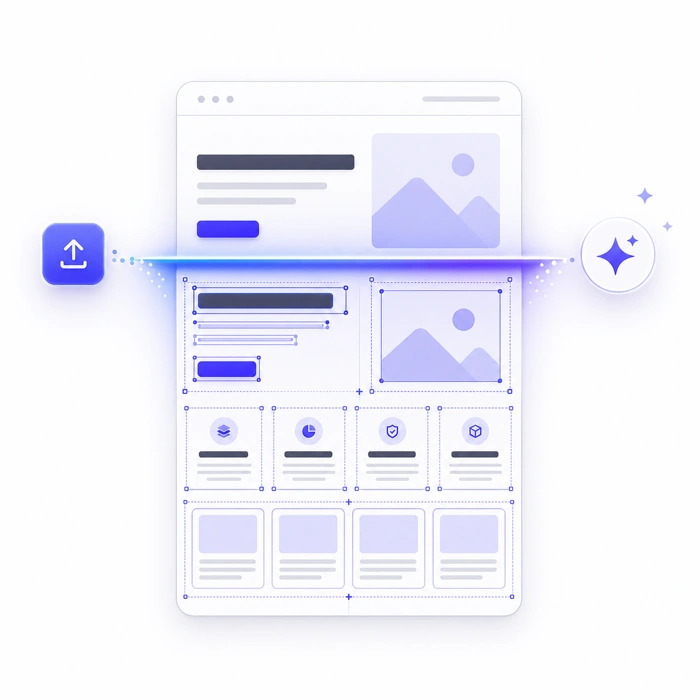
Understand the pageAI recognizes page content automatically
3
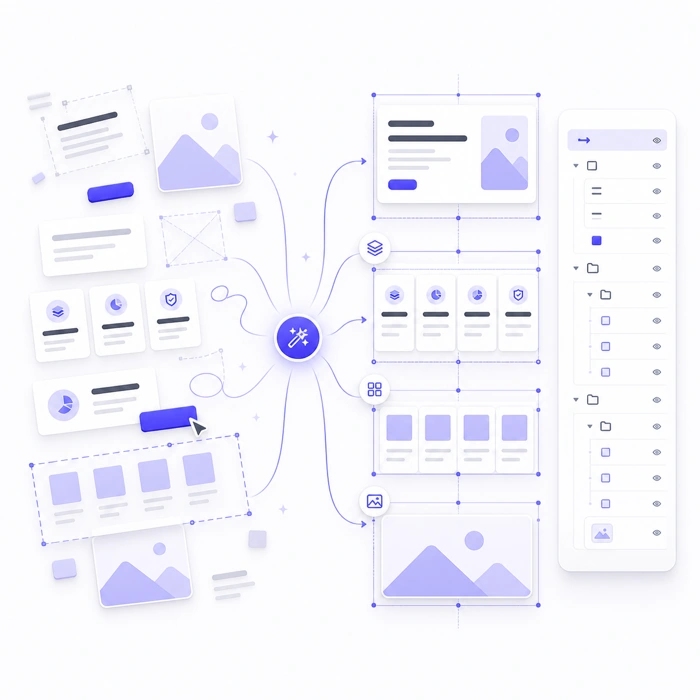
Organize layersGenerate a clear layer structure
4
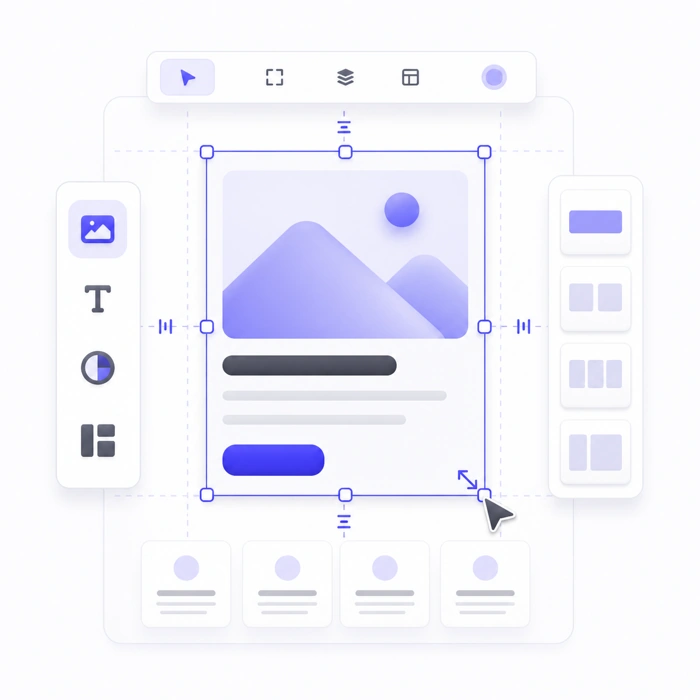
Keep editingEdit online or export

Find UISeek in your design tool
Visit the Pixso, MasterGo, or JS Design marketplace. The Figma link will be added later.
01Published
Pixso
View in marketplace02Published
MasterGo
View in marketplace03Published
JS Design
View in marketplace04Pending
Figma
Link coming soonFocus on UI design,make more room for creativity
Product design
Turn reference interfaces into editable layers for competitive research, redesigns, and design exploration.
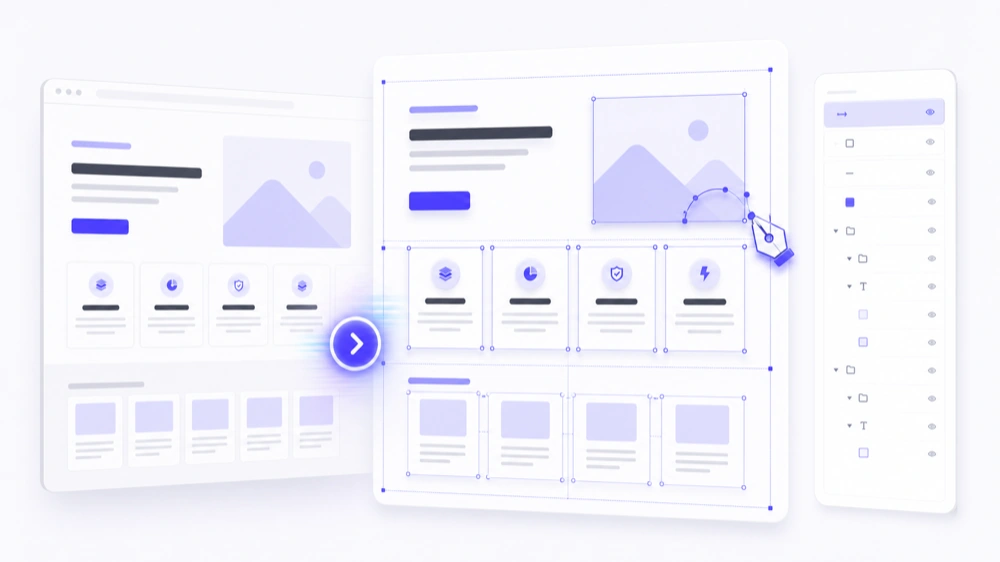
Reuse design assets
Organize old pages and reference screenshots into editable components to build a reusable asset library.
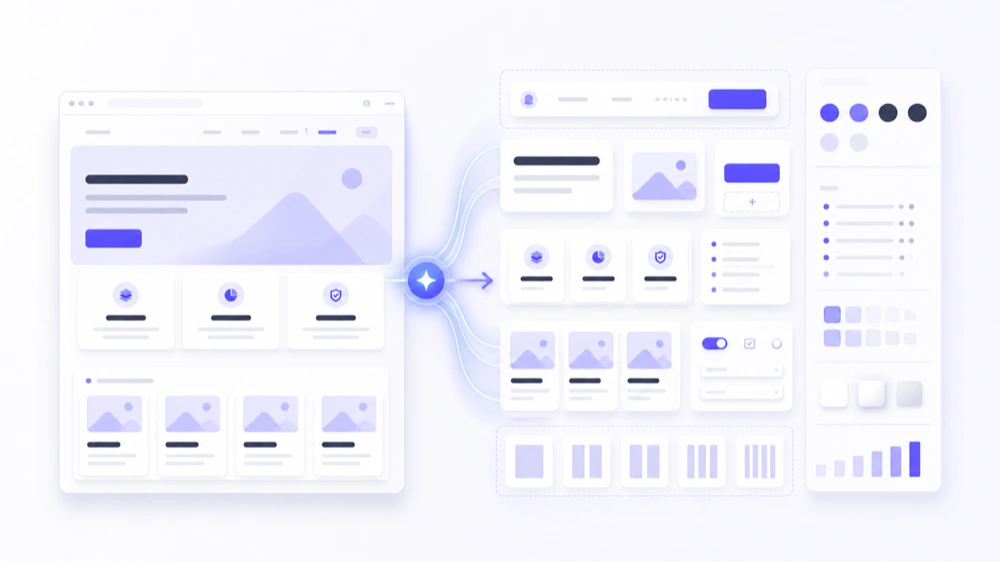
Team collaboration
Share editable layers and page structure for UI reviews, handoffs, and ongoing iteration.
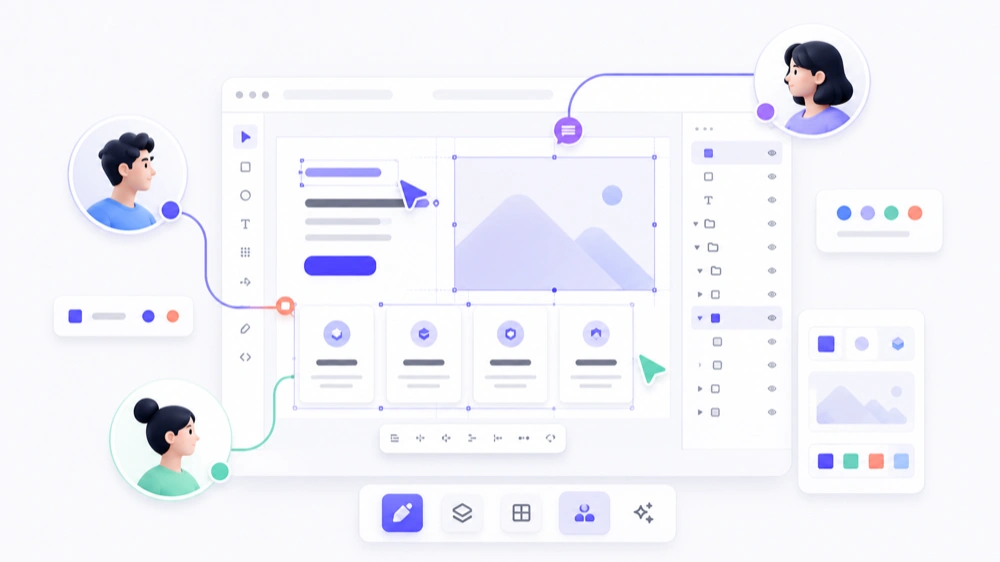
Build a reusable design workflow from a single screenshot
Learn how to prepare screenshots, review generated layers, and use them for research and redesign.
Guide
How do you turn a UI screenshot into an editable design?
Follow a repeatable process from image preparation and AI recognition to checking text and layers.
Read the full guide Use casesRebuild and redesign UI from screenshots
Use structured layers for competitive research, redesigns, asset reuse, and team reviews.
Explore this use caseAbout turning UI screenshots into designs with AI
Answers about screenshot recognition, automatic layering, and online editing.
How do I turn a UI screenshot into an editable design?
Upload a screenshot to UISeek. AI identifies text, images, buttons, and layout, then creates structured, editable layers.
What kinds of screenshots can I convert?
Upload PNG, JPG, or WebP screenshots of websites, mobile apps, dashboards, and other common interfaces.
Can I edit the generated design?
Yes. You can adjust text, images, positions, and layout in the online editor, or export the result for further work.
What is UISeek useful for?
Designers and product teams use it for competitive research, redesigns, design exploration, asset reuse, and reviews.
Start with your first screenshotTurn inspiration into
Turn inspiration into
a design you can keep editing
Upload a screenshot. UISeek understands the page, organizes its layers, and lets you continue creating.
AI recognition Organized layers Edit anytime